Sketchup Vray 6 Realistic Interior Rendering
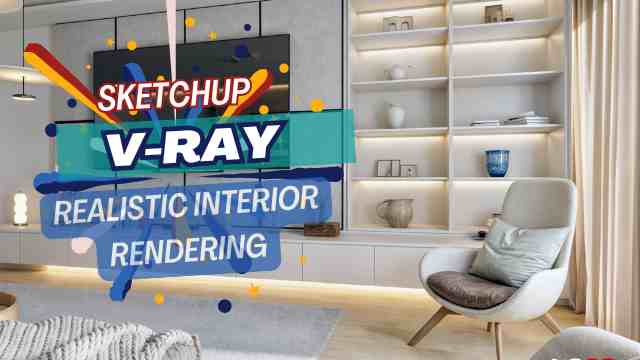
In this video, I demonstrate how to achieve a highly realistic interior rendering using SketchUp Vray 6. Starting with a pre-made model, I walk you through the essential steps and techniques to bring your interior designs to life with stunning detail and photorealistic quality.
We’ll cover: Setting up your SketchUp model for Vray rendering Applying materials and textures for a realistic look Adjusting lighting to enhance the overall ambiance Fine-tuning render settings for the best results Post-processing tips to polish your final render Whether you’re a beginner or an experienced user, this tutorial will help you elevate your interior renderings to the next level.
Don’t forget to like, comment, and subscribe for more tutorials and tips on SketchUp and Vray! #SketchUp #Vray #sketchupvray
Benzer yazılar
Sadece Ölçüyü Gir, Gerisini Mutfak Programı Halletsin
Bir sayıyı değiştir: parçalar, delikler, menteşe adedi, kenar bandı metrajı ve teklif tutarı birlikte yeniden…
Kertik, Kiriş Sorun Değil!
Kiriş sarkıyor, kolon dolabın içine giriyor. Program kertiği kendisi hesaplıyor ve o kertik CNC ile DXF çıktıs…
1 Dakikada Mutfak Tasarla, Üretime Geç
Duvar ölçülerini yaz, Otomatik Yerleştir'e bas: buzdolabı, fırın, evye, bulaşık makinesi ve ocağa göre mutfak…
Sürükle Bırak, Dolabın Hazır
Modülü paletten tutup duvara bırakıyorsun: kabin, kapağı, menteşesi ve delikleriyle gerçek parçalara dönüşüyor…